








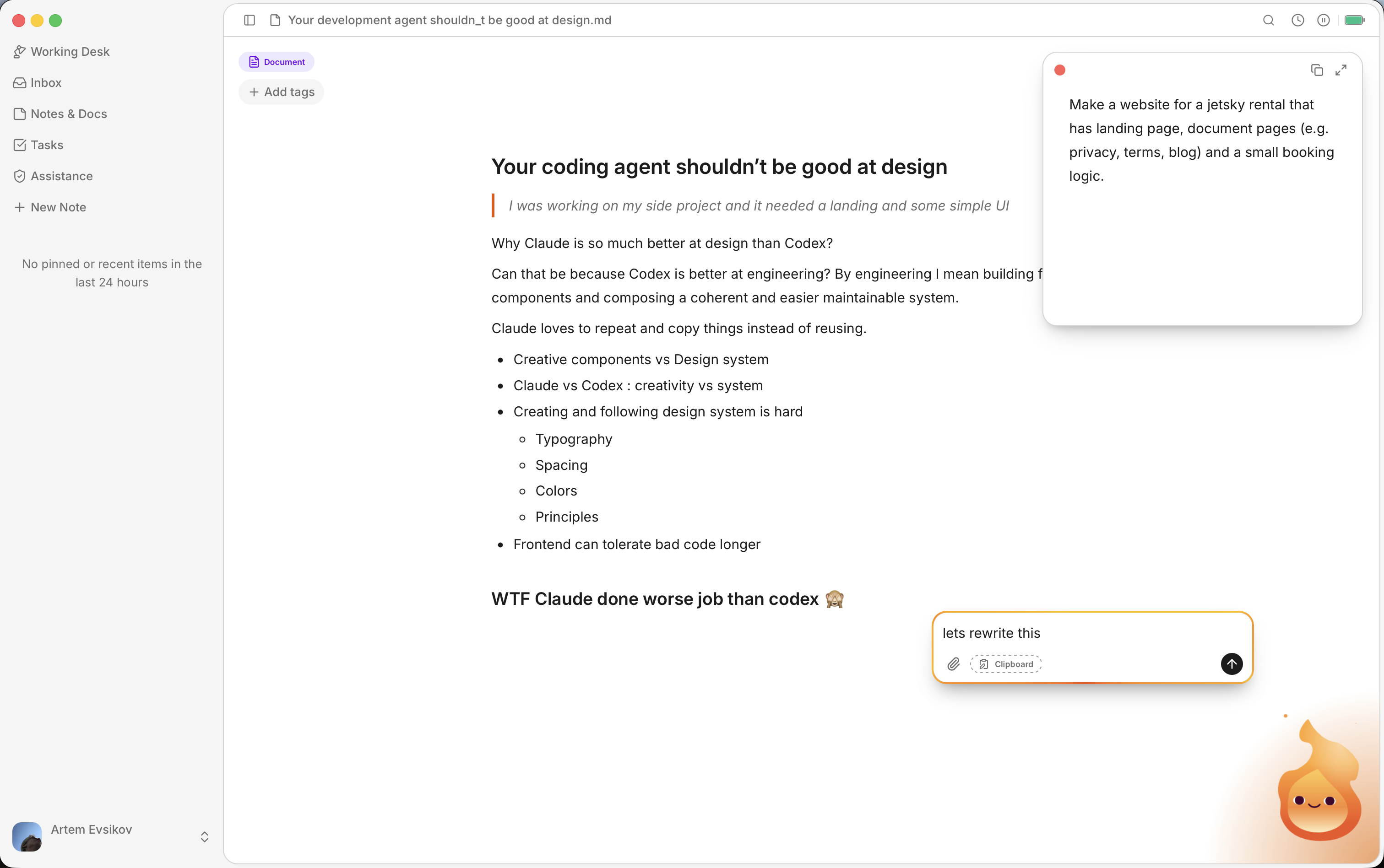
Edit directly
Chat for instructions. Markdown for the work.
Use chat as an AI writing assistant for questions, clarification, and feedback, or chat with documents you are editing. Keep the actual content in a Note or Document, change the Markdown directly, and continue from the current version.
Two useful surfaces
Quick Notes and longer Documents have different jobs.
Keep the quick result.
Save a compact fact, list, summary, or transformation without leaving it buried in chat.
Note · just now
Document
Develop the longer work.
Use the AI document editor to write and revise articles, plans, drafts, and other substantial output.
Organize
Find the work again.
Search Notes & Documents, filter by type or tag, and sort or group the collection. Related-memory filters can narrow the view when a Note or Document references saved context.
Export
Keep Markdown portable.
Save supported Notes and Documents as Markdown or PDF when you want to use the result outside Lutin. The Markdown editor keeps the content readable beyond a single chat transcript.
See the desktop assistant