







Take Lutin with you.
Ask a question, check what happened, or keep useful work moving from your iPhone. Lutin brings your feed, notes, tasks, memory, and conversations into one mobile app.
Download for iPhone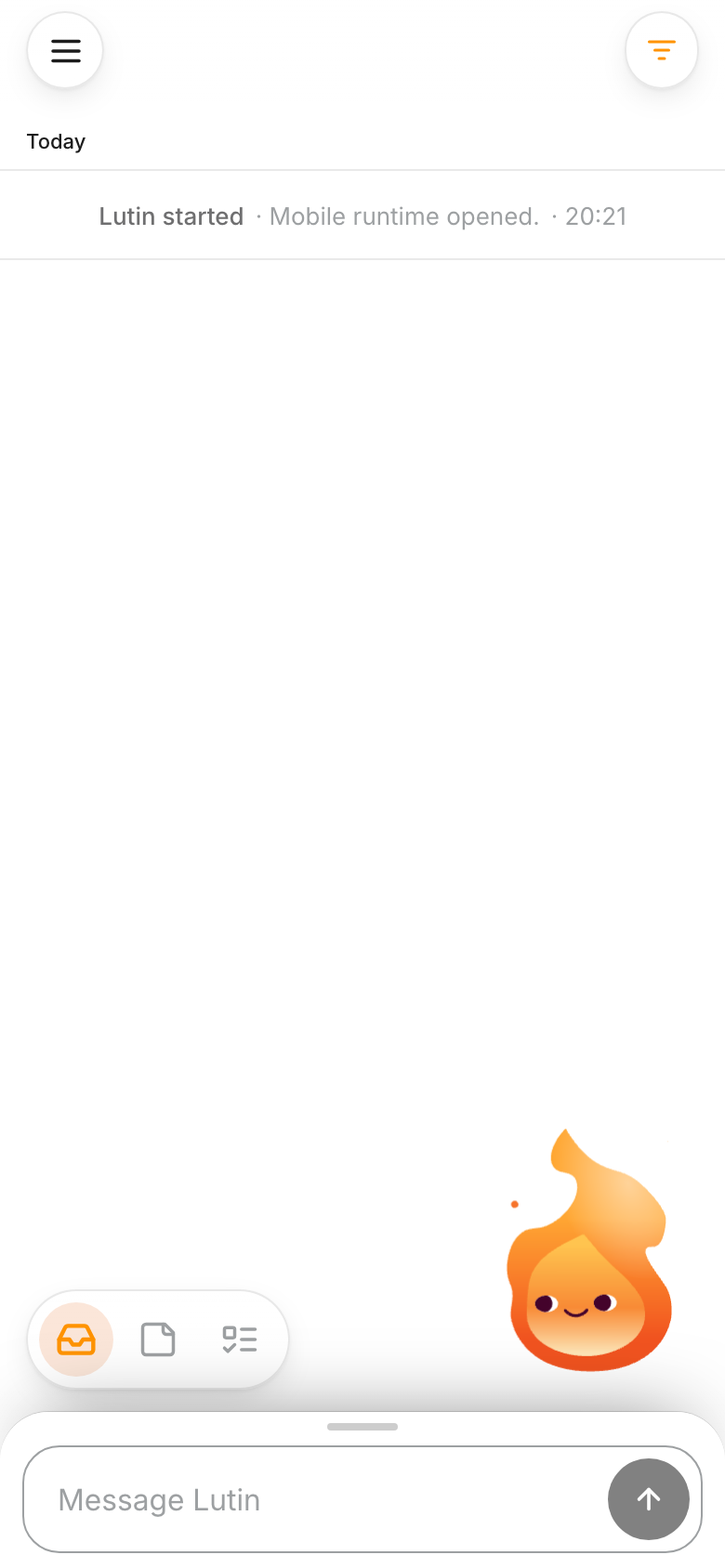
Start with what’s in front of you.
Ask about the note you’re reading. A weekend plan becomes a packing question.
01 / 04 · Ask Lutin
Lutin for iPhone
Keep Lutin close, wherever the day takes you.
Frequently asked questions
Can I use Lutin on iPhone without the Mac app?
Yes. You can ask Lutin and keep local notes on iPhone. Sign in when you want to connect the app to your Lutin account and synced work.
Does the iPhone app sync with Lutin on Mac?
Signed-in account content can synchronize through Lutin’s account database, so supported notes, feed activity, tasks, memory, and conversations can follow you between devices.
Does Lutin keep running when the app is closed?
The iPhone app does not keep its local runtime active indefinitely in the background. When supported cloud work finishes, Lutin can send a notification so you can return to the result.
Which iOS version does Lutin require?
Lutin requires iOS 15 or later.